 SelectSight
SelectSight / How to use
See it.
Select it.
Take it with you.
Copy words directly on images and paused videos, capture a page region, or export structured work. See the real workflows before you install.
Watch the 31-second walkthrough31 seconds · Real product footage · No narration
01 / Direct selection
Free · On your deviceHover. Drag. Copy.
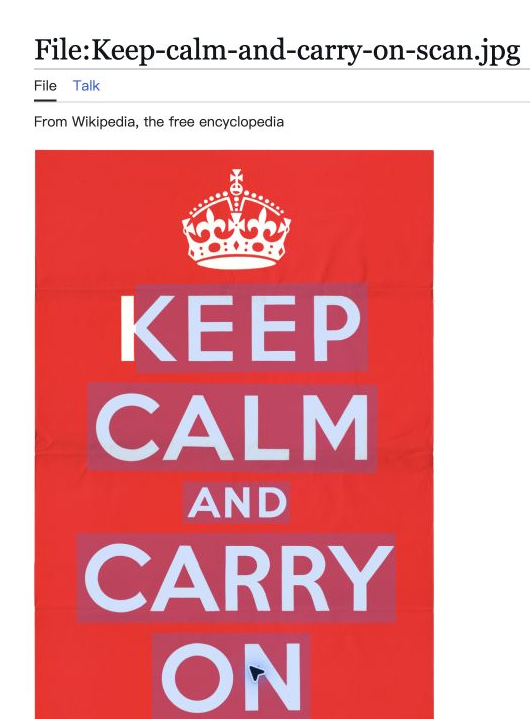
On a supported webpage, hover over a picture with words. For a video, pause on a clear frame first. Wait for local recognition, drag across the words, then press ⌘ C on Mac or Ctrl C on Windows and Linux.
No account or cloud upload is needed for this step. Resume or seek after copying from a paused frame.
02 / Screenshot recognition
Free · On your deviceFrame what you cannot select.
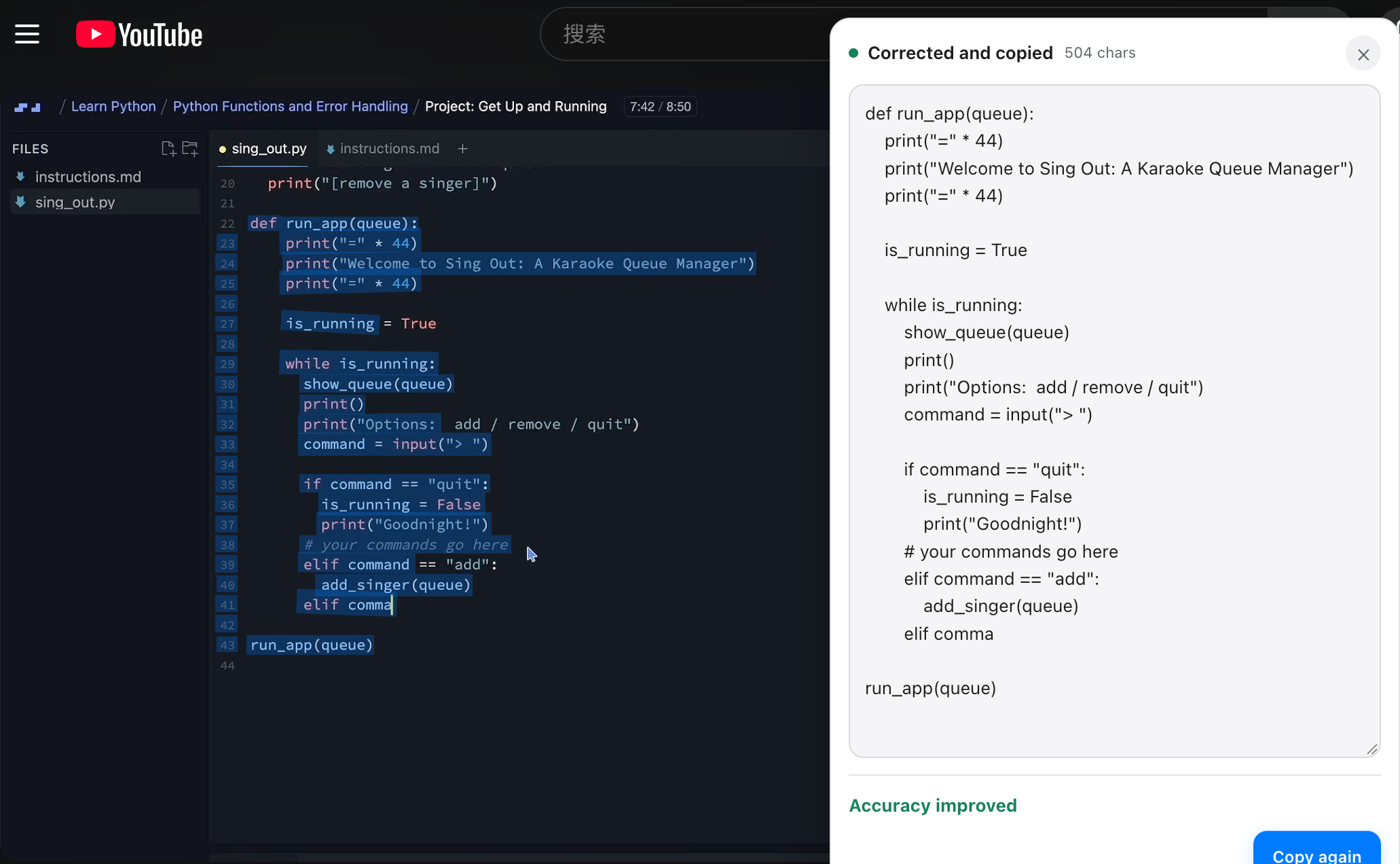
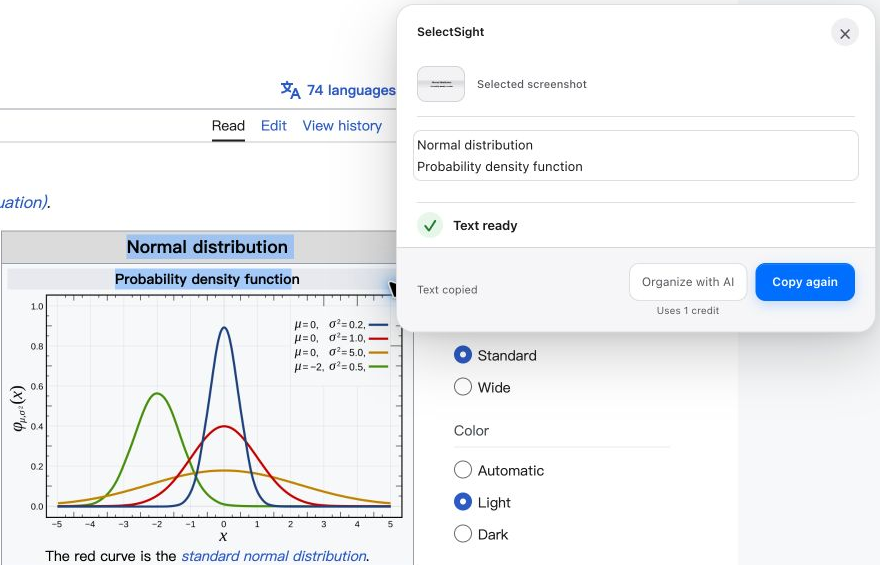
For a chart, slide, canvas, or other visible page region, open the SelectSight extension and choose Start screenshot. Drag around the area you need. The local result appears in a panel and is copied automatically; review it and use Copy again if needed.
The popup shows your registered screenshot shortcut. Recognition stays on your device unless you later choose and confirm a cloud action. Screenshots and recognized text may remain temporarily in runtime memory while the page or extension worker is active.
03 / Structured export
Cloud · Uses creditsKeep the structure you need.
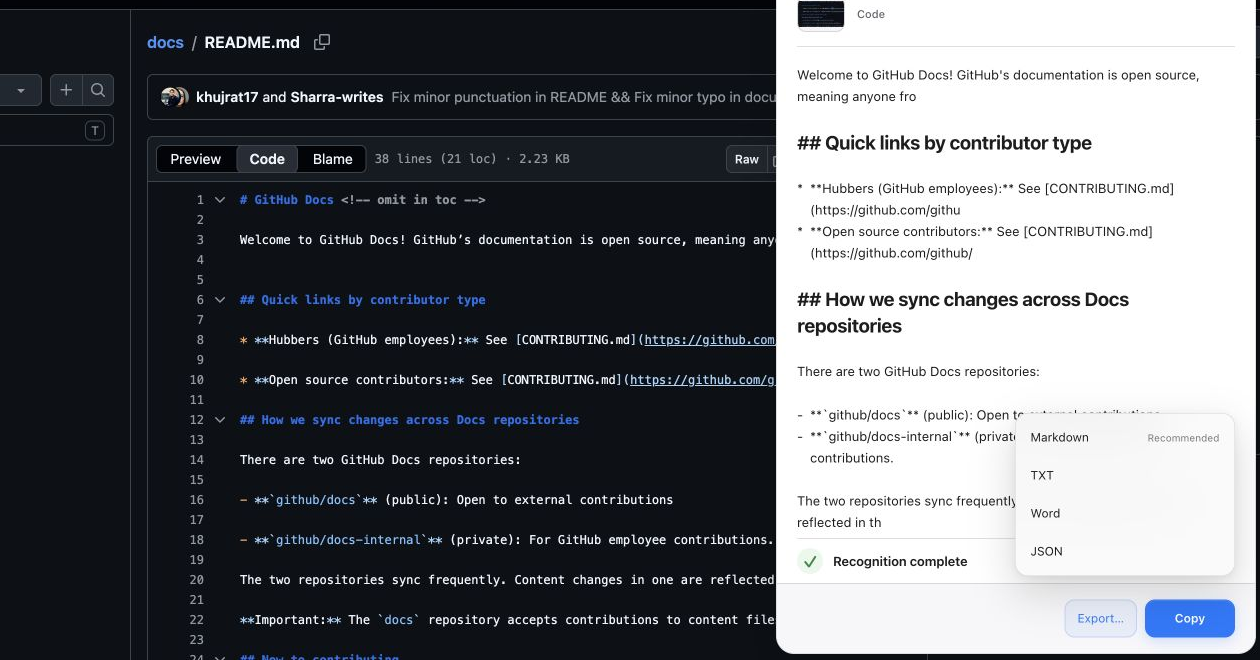
Use the image’s context menu command SelectSight: Recognize and export…, or choose Organize with AI after a screenshot result. Sign in with an email code if prompted. Review the selected content and the displayed credit cost, then confirm the upload and recognition.
Structured recognition uses 1 credit per request. The raw image is processed for that request in server memory and is not deliberately written to the server database; structured results may be cached briefly. Choose the export format from the completed result. Copying or saving that result does not start another recognition request. Check formulas and code before using them.
Markdown
Keep headings, lists, and readable document structure.
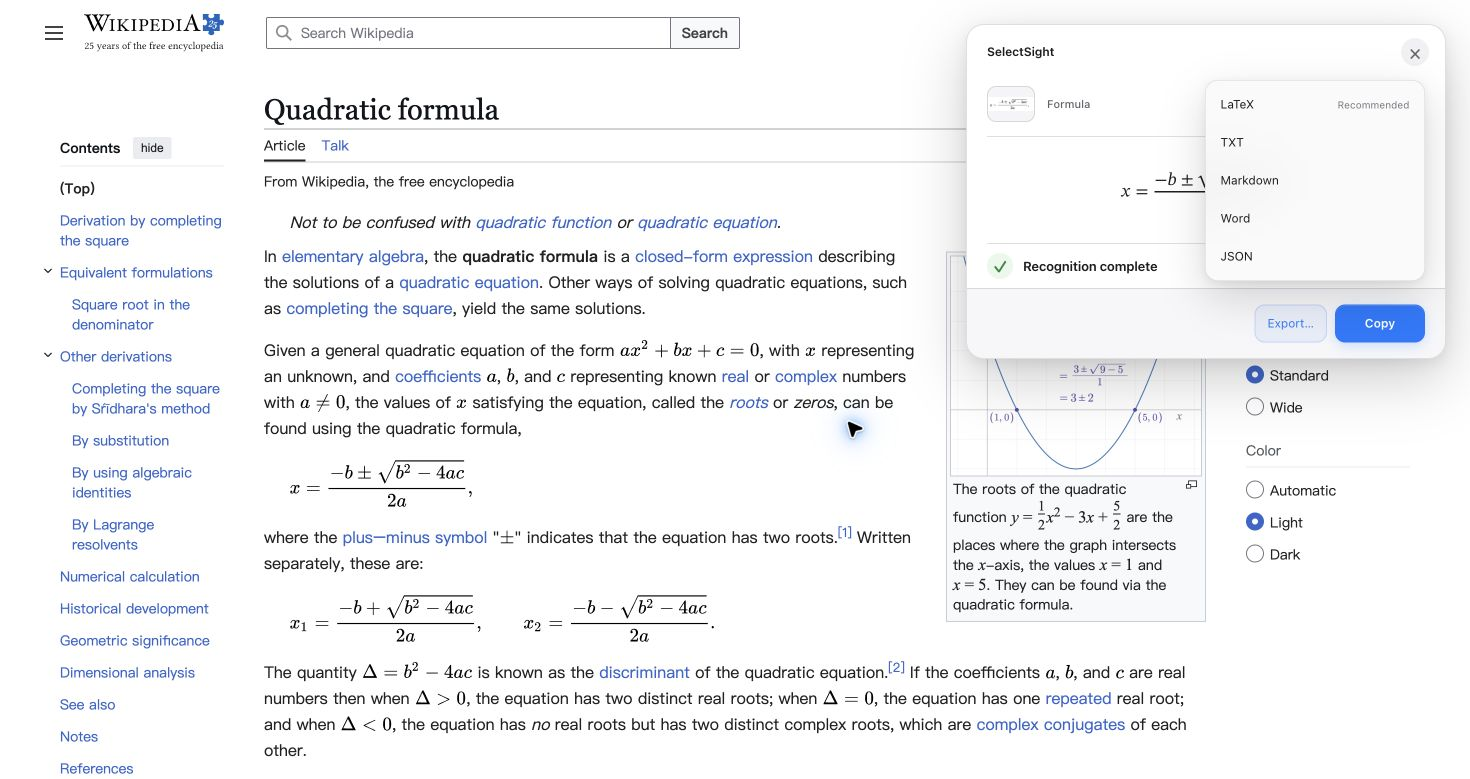
LaTeX
Bring a visible formula into notes or a paper.
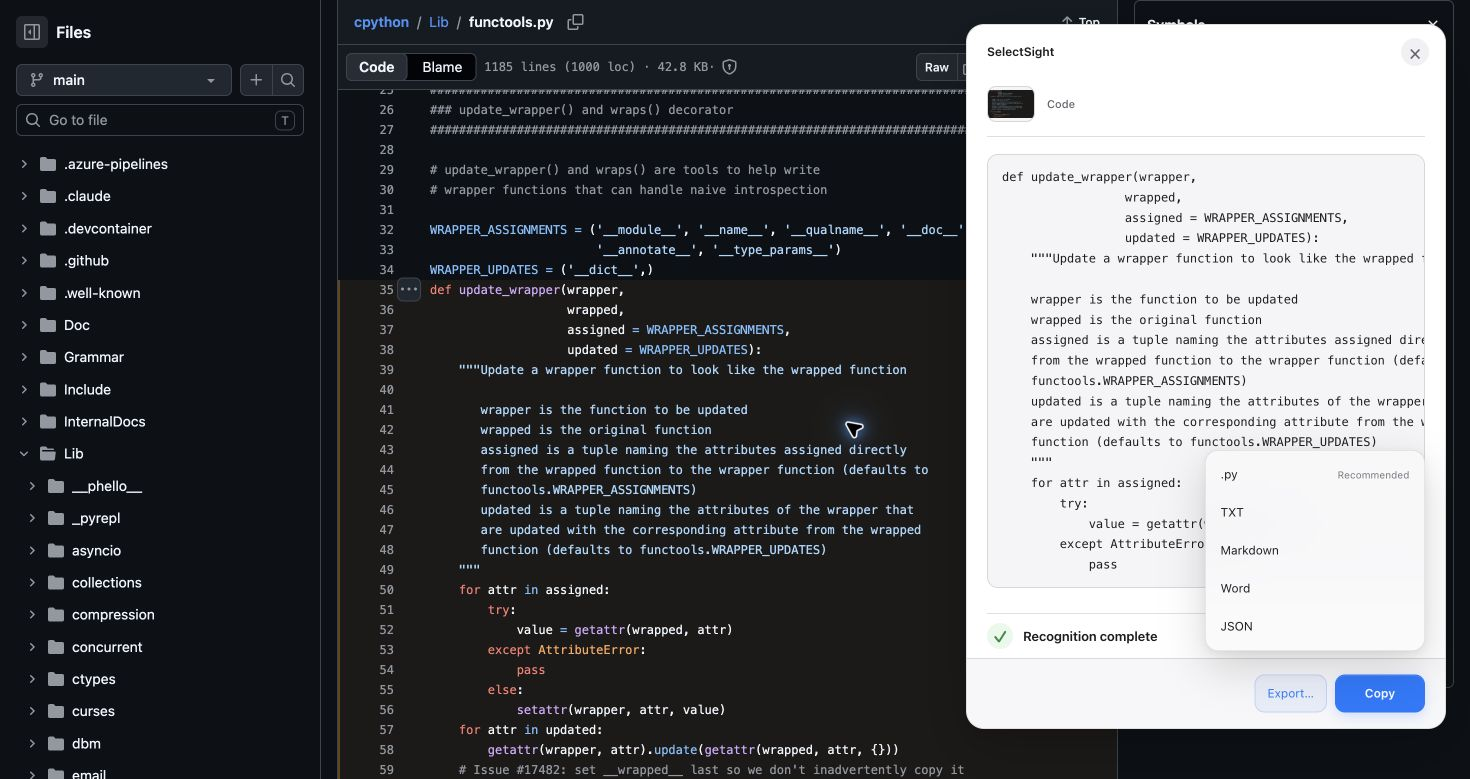
Code file
Save recognized code in a matching editable file.
Ready when you are
Start with free local copying.
Use cloud only when structure matters.
Install SelectSight, then try it on an image or paused video. Cloud recognition is optional and requires sign-in, available credits, and your confirmation before upload.